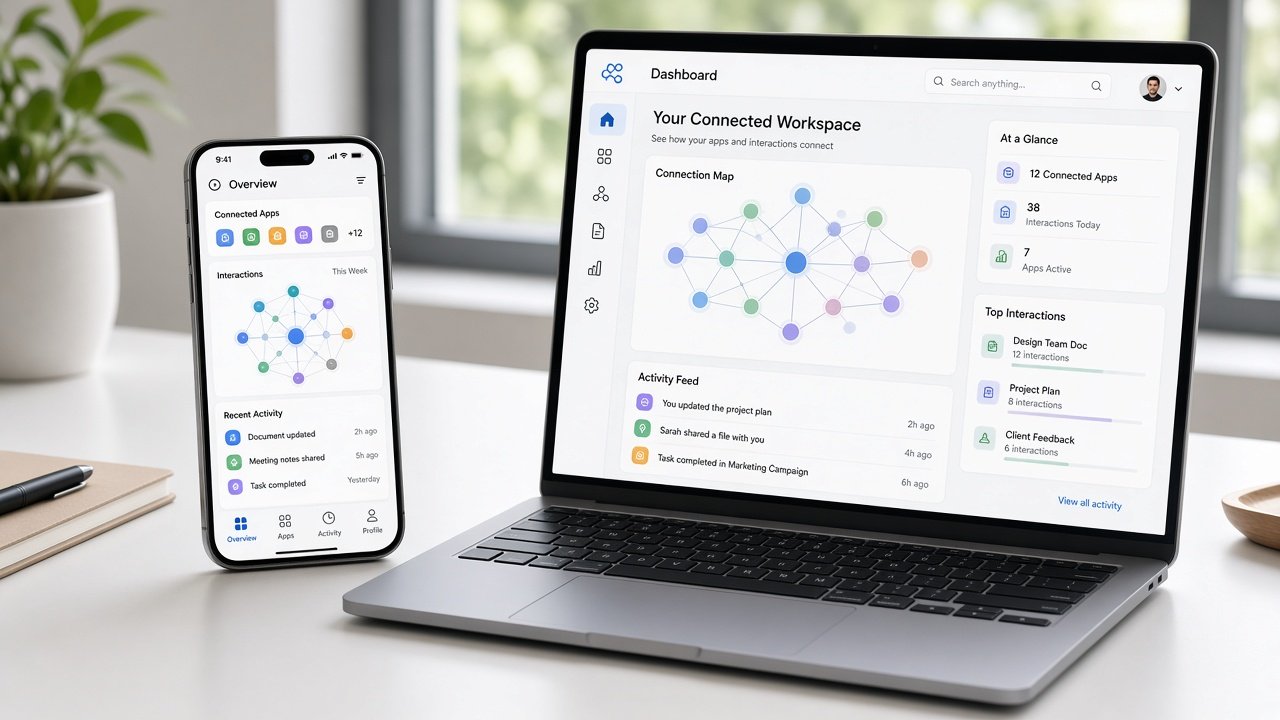
AI-Pass IDE (Web)
Open the full IDE in your browser — agents, workspace, and graph tools.
Open IDEDownloads
Install AI-Pass on Mac, Windows, and Linux, or open the web IDE now. Extension and collector feeds capture consented interactions into your digital twin.
Desktop builds are live. Prefer Apple Silicon Mac zip, Windows portable exe, or Linux AppImage.
Open the full IDE in your browser — agents, workspace, and graph tools.
Open IDENative macOS app (Apple Silicon preferred; Intel build also available).
Download for MacPortable Windows x64 build. Run the exe — no installer required.
Download for WindowsAppImage for any distro, plus a .deb for Debian/Ubuntu.
Download AppImageExtra packages: Linux .deb · macOS arm64 · macOS Intel · latest.json
Extension, collector, and alternate installers for teams that need every surface.
Collect consented interactions into your digital twin from the browser.
Open collectorChrome/Edge MV3 extension — load unpacked or install from this zip.
Download extensionDebian/Ubuntu package for the AI-Pass desktop IDE.
Download .debmacOS x64 zip if you are on Intel Macs.
Download Intel MacSmart collector
Install the desktop IDE or browser extension, then stream consented interactions into employee, business, and robotics twins.